 HomeBiz
 ACTUAL PRODUCT PREVIEW
Calm Clean
A calm ADHD cleaning app: the house is a mess and you don’t know where to start? It gives you one small cleaning job at a time.
Secure purchase through Etsy. Check the listing for current availability, included files and purchase instructions.
Take a closer look ↓What can Calm Clean help you do?
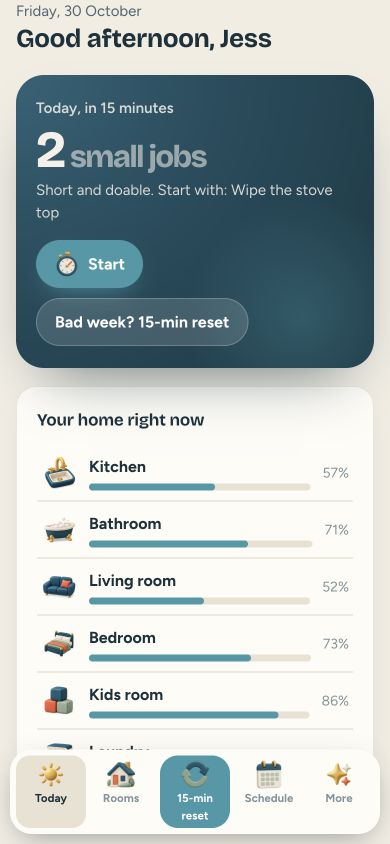
Calm Clean is a simple cleaning schedule I made for anyone who freezes when the whole house needs cleaning. No account, no subscription, no ads. Pick your rooms and how much time you have each day. Today shows a short list of jobs that fit your time. Ten minutes is enough. Tap Start and a timer runs while you clean. Done? Tick it.
Who is it for?
Designed for people who prefer one small cleaning job at a time. Use the preview to check whether the screens and level of detail fit the way you prefer to work.
What's inside.
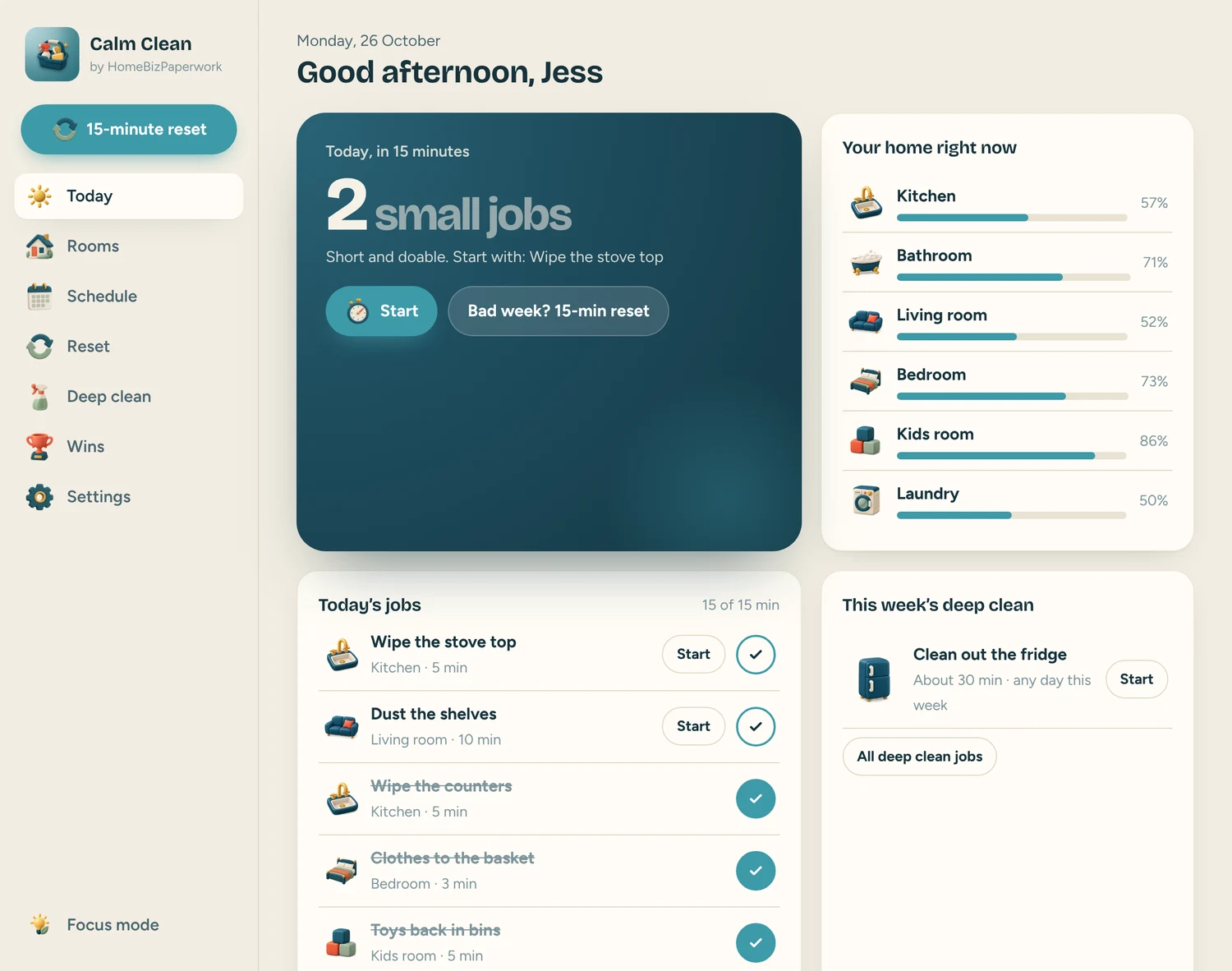
- Today: a short list of jobs that fit your time (10, 15, 20 or 30 minutes)
- Start: a timer runs while you clean, then tick it done
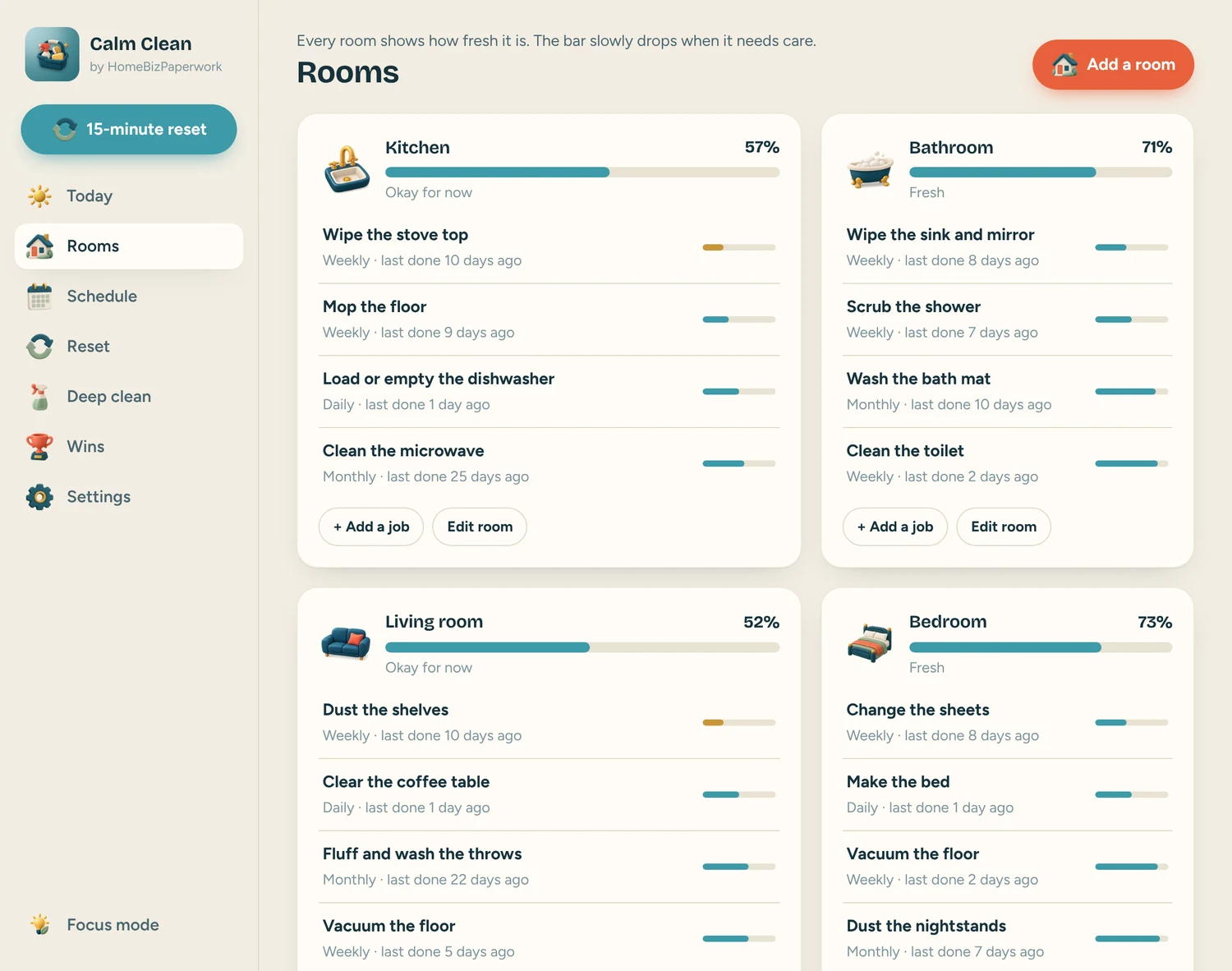
- Rooms: every room shows how fresh it is, the bar slowly drops when it needs care
- Schedule: daily, weekly and monthly jobs, spread out so nothing piles up
- Reset: having a bad week? One tap gives you a quick fifteen minute reset plan
- Deep clean: big jobs like the fridge or the windows, one a week
- Wins: small rewards for every job, no streaks to break
- Starter jobs for every room, focus mode, dark mode and backup in Settings
Real screens. Clearer decisions.
Explore the supplied product previews. Example data illustrates the layout; your own entries will be different. Select an image to view it at full size.
Today
Today: a short list of jobs that fit your time (10, 15, 20 or 30 minutes)
Rooms
Rooms: every room shows how fresh it is, the bar slowly drops when it needs care
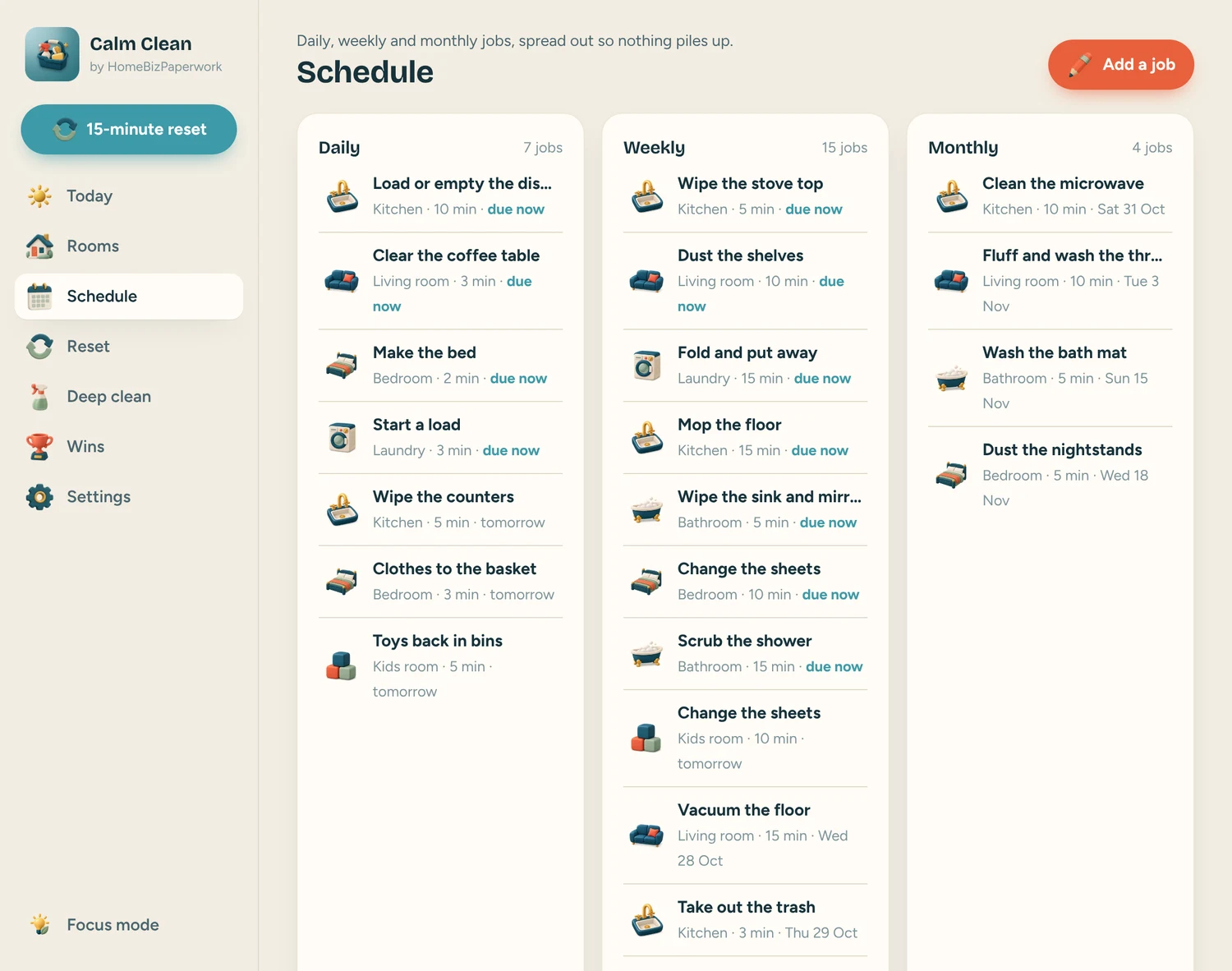
Schedule
Schedule: daily, weekly and monthly jobs, spread out so nothing piles up
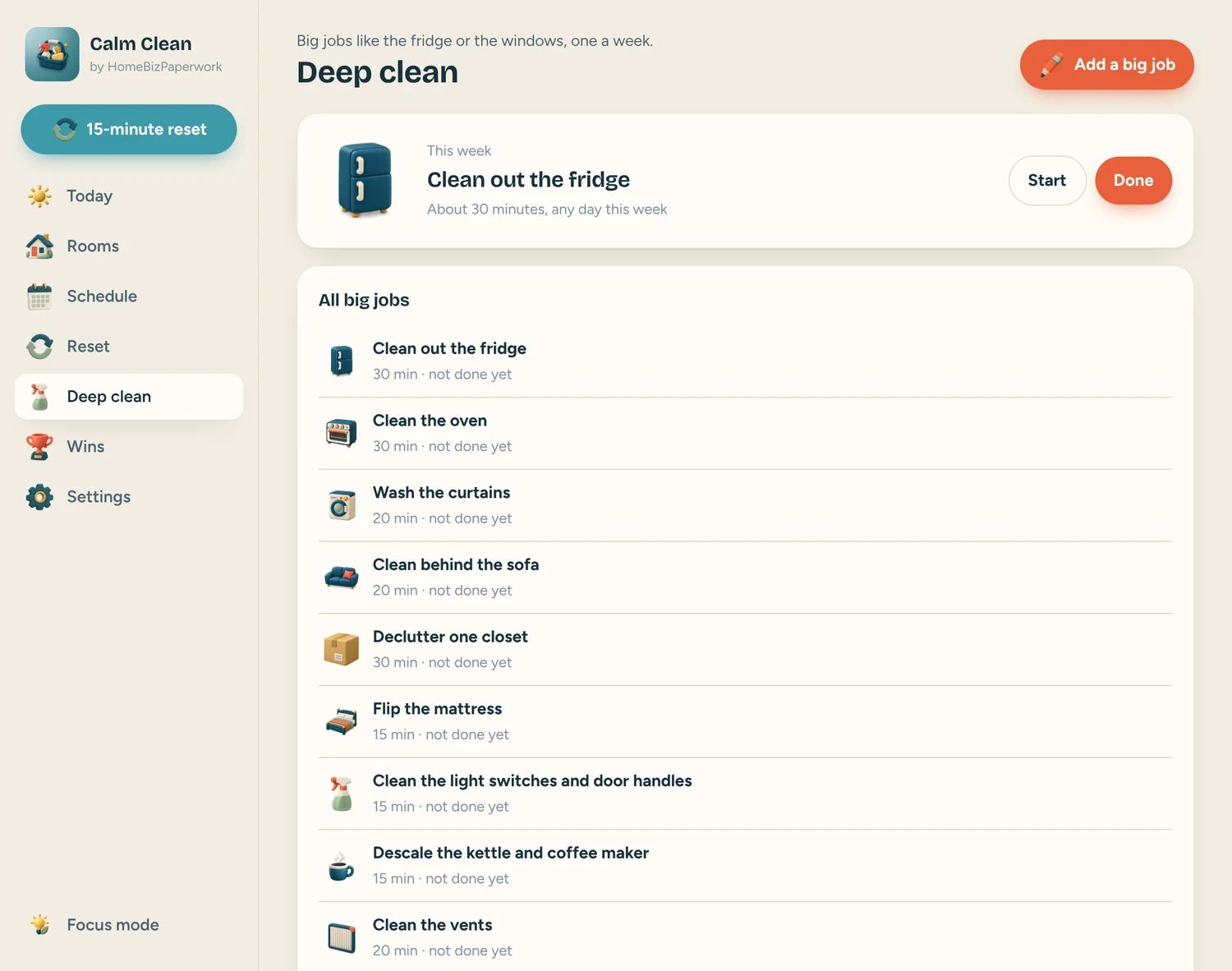
Deep
Deep in Calm Clean. This product image shows the layout and example information supplied with the product.
A walkthrough from Albina.
ADHD Cleaning Schedule App Tutorial: One Small Job at a Time (Phone & Computer)
Loads YouTube when you press play. Watch on YouTube
Before you make it yours.
A simple way to get started
- Try the free demo and explore the screens you will use most.
- Open the matching Etsy listing to confirm the current version, compatibility and what is included.
- After purchase, follow the supplied setup instructions. Start with a small set of your own records and review the results.
Good to know
- It does not send notifications; open it to see today’s jobs. Keep it open while the timer runs.
- Clearing your browser data can erase your entries, so download a backup in Settings now and then.
- Keep a backup of your entries before clearing browser data or changing devices. The demo and purchased app are separate; review the purchase instructions before entering your own information.